
Send from Phone Gallery
When you want to send one photo from your phone gallery to the frame, this is the most direct way to do it.
Whether the photo is newly taken or already in your gallery, you can quickly send it to
InkJoy Framefrom here.
Basic steps
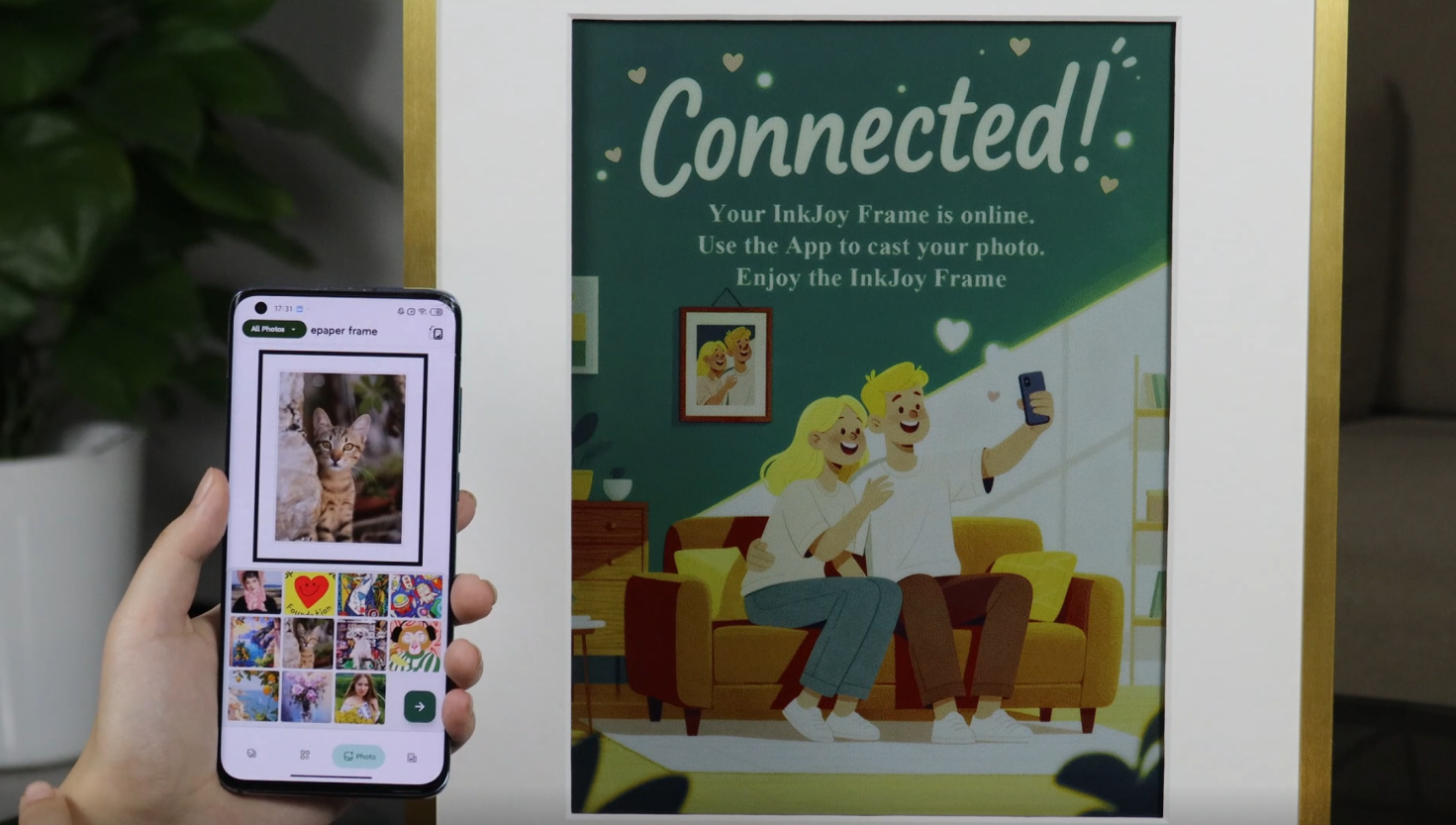
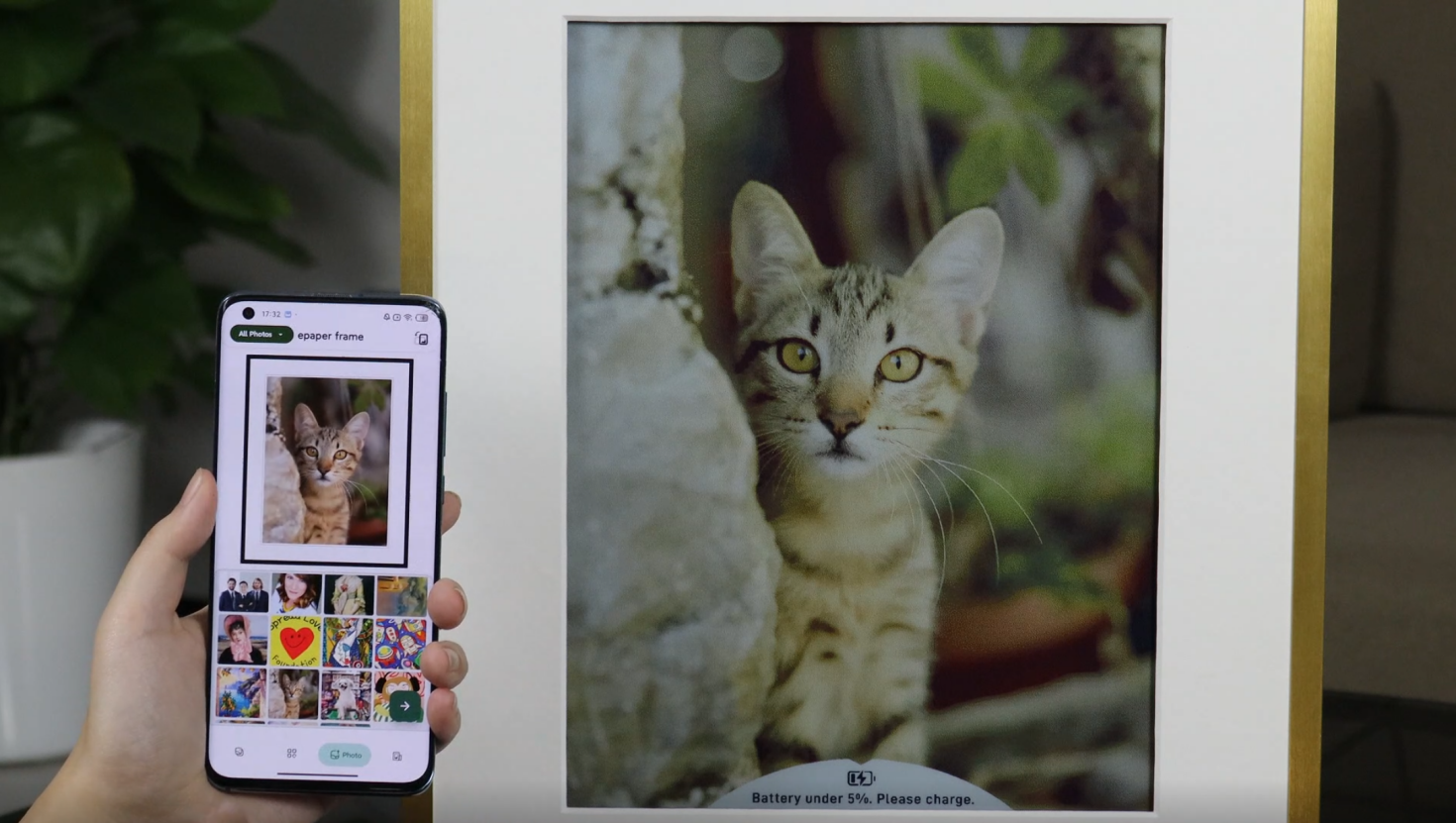
- Open the album section in the
APP. - Choose the target album in the upper-left area, then confirm the target frame at the top of the page.
- Select one image and review the preview in the editing area.
- Drag the preview to adjust the position; the display orientation follows the current portrait or landscape setting of the selected frame.
- Tap the arrow in the lower-right corner to send the image.
Orientation
If you need to change portrait or landscape mode, go to Frame Management.