
Buttons
This page explains the two main physical controls on
InkJoy Frame:BUTTONandRESET.
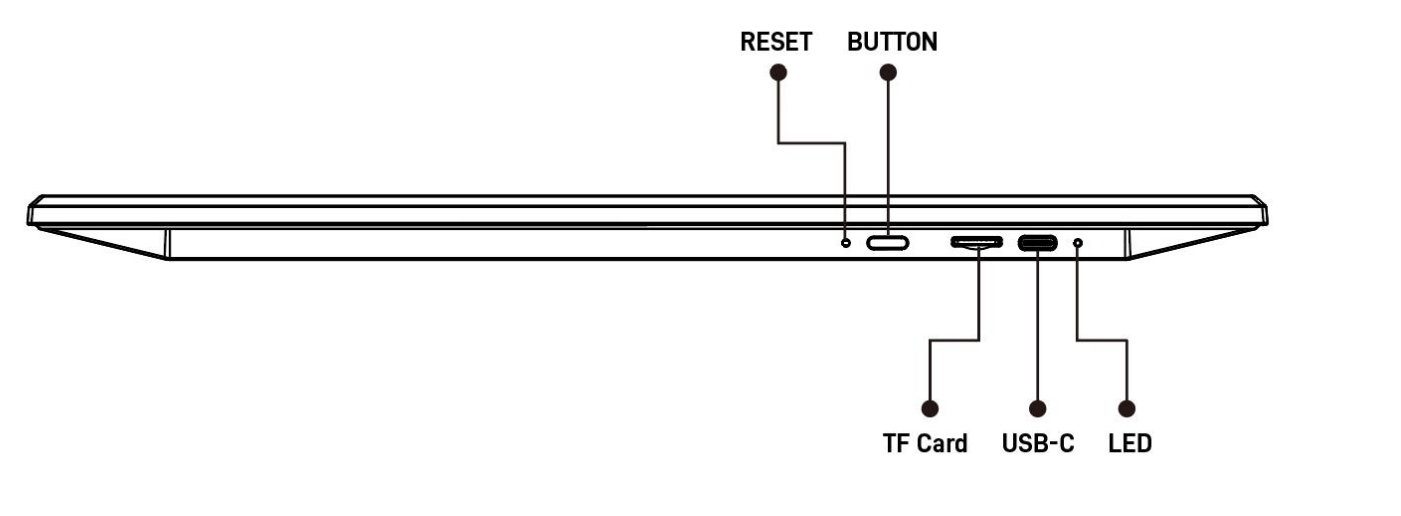
BUTTON
Press and hold for 3 seconds
- Power on
- Power off
- On first power-on or after reset, it enters network setup mode directly
Single press
- After about 2 seconds, the device checks network status
- Use the blue light behavior to read the result
Double click within 2 seconds
- Manually re-enter network setup mode
- Useful after a failed first attempt
Double click while already in setup mode
- Exit network setup mode
RESET
Single press
- Restore factory settings
Tips
- Use
BUTTONfor normal daily operations. - Use
RESETonly when you really need to clear the device state.