
Share Frame
Share Frameis useful when oneInkJoy Framebelongs to more than one person.Once sharing is set up, family members or friends can all send content to the same device.
Steps
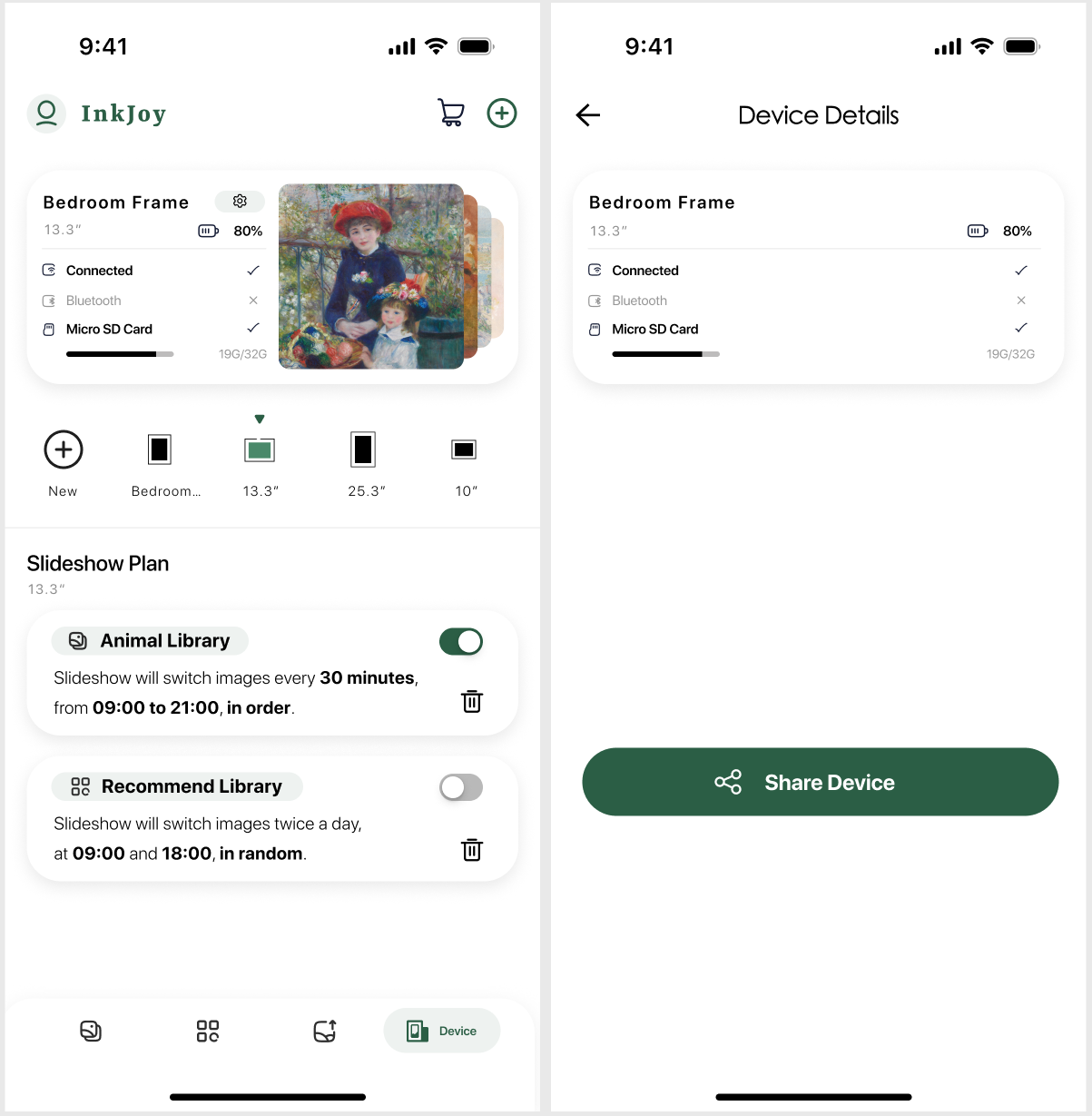
- Open the device page in the
APP. - Tap the device status card.
- Enter the device settings page.
- Type the registered email address of the person you want to share with.
- Complete the sharing action.
Good use cases
- Family members managing one shared frame together
- Relatives in different places sending photos to an elder's frame
- Multiple users taking turns updating the same display
Tips
- Confirm that the other person has already registered an account.
- Before sharing, make sure both sides are using the correct device environment.
- If you also need battery, status, or other device controls, go back to Frame Management.